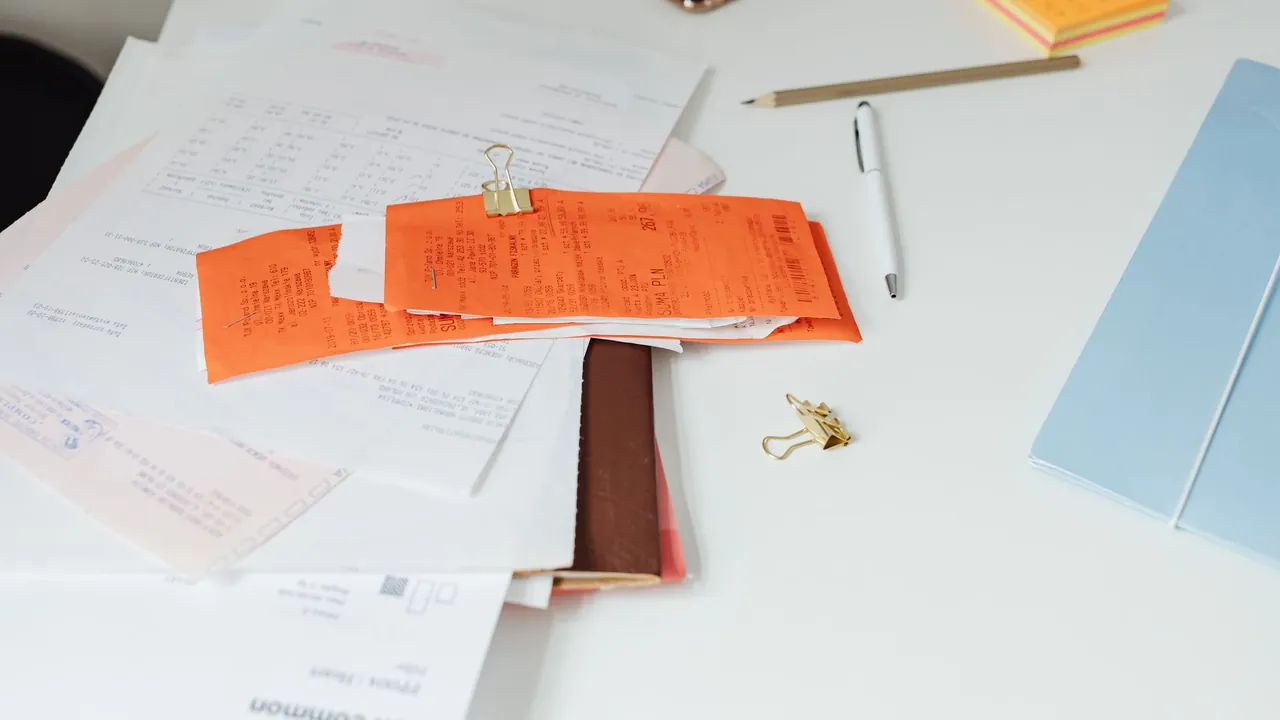
The number one reason a cancellation fails is cancelling in the wrong place. A subscription is stopped wherever it is actually billed — which is not always the app or website you use it in. The same streaming or app plan might renew through your Apple account, through Google Play, through PayPal, or directly with the company, and each one is cancelled somewhere different. This page shows how to read the clues and pin down the real billing channel before you try to cancel.
Using an app is not the same as being billed by it. You might watch a service in its own app but pay for it through your phone's app store. Deleting the app, signing out, or removing a card does not stop a renewal — only cancelling in the channel that actually bills you does.
Pull up the charge on your bank or card statement and look at the descriptor — the short text next to the amount. It usually reveals the billing channel even when it does not name the company you recognize:
Start with the statement line. If it begins with APPLE.COM/BILL, GOOGLE, or PAYPAL, you already know the channel. If it is just a company name, the plan is most likely billed directly by that company.
Search your inbox for the merchant name plus words like receipt, invoice, subscription, or renewal. The receipt almost always names the platform that processed the payment, which confirms where to cancel.
Open Settings → your name → Subscriptions on an Apple device, Payments & subscriptions → Subscriptions in Google Play, and Automatic Payments in PayPal. If the plan appears in one of those lists, that is your billing channel, full stop.
If the subscription is not in any app store or PayPal list, it is almost certainly billed directly by the company. Log in to its website, open Billing or Membership settings, and you should see the plan there.
Once you have matched the charge to a single channel, cancel there and look for a status that says cancelled, expires on a date, or renewal off. That confirmation — not a goodbye email — is your proof the right channel was used.
The reason cancellations go to the wrong place is that the billing channel is buried in a statement line you only see once a month. SubScan lets you record each subscription with where it bills and when it renews, so the next time you want to cancel, you already know exactly which channel to use. Everything runs on your device: no bank login, no account, no upload.
Map your subscriptions →Because the app is often not where the plan is billed. If you subscribed through an app store, the renewal is controlled by that store, and the app may only link out to those settings. Cancelling has to happen in the actual billing channel, so check whether the charge runs through Apple, Google Play, PayPal, or the company directly, and cancel there.
Look at the statement descriptor and your email receipt. A line starting with APPLE.COM/BILL points to your Apple account, and a GOOGLE line points to Google Play. You can also open the Subscriptions list in each platform; if the plan appears there, that is where it bills and where you cancel it.
If the descriptor is the company's own name and the plan is not in any app store or PayPal list, it is almost certainly billed directly by that company. Log in to its website and open the Billing or Membership settings to manage or cancel the subscription there.
Yes. The billing channel depends on how each person signed up. Someone who subscribed inside an iPhone app may be billed through Apple, while someone who signed up on the website is billed directly, even though it is the same service. That is why there is no single universal place to cancel.
Record the billing channel alongside each subscription so you do not have to rediscover it every time. SubScan lets you do this on-device, listing each charge with where it bills and when it renews, so the next cancellation goes to the right place the first time, without connecting your bank.
For informational purposes only — not financial or legal advice. SubScan does not cancel, pause, or dispute subscriptions for you. Where a subscription is billed and how to cancel it is set by the merchant or platform and can change over time; confirm the current process with the service, your bank, or your card issuer. Brand and service names are used for identification only.