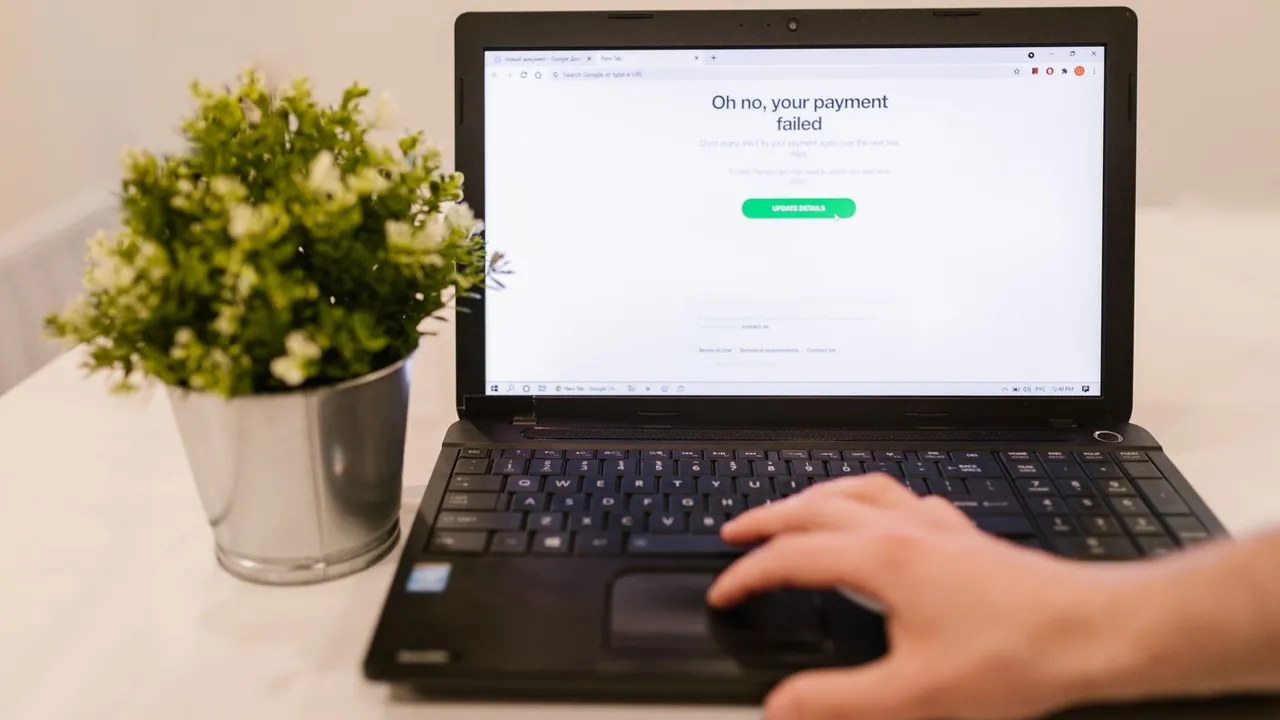
Short answer: cancelling a subscription stops the payments - it does not delete your account, and it usually does not wipe your data either. Most services treat cancellation as a downgrade, not a goodbye: your login still works, your files stay put, and you simply lose the paid features once the period ends. Deleting your account is a separate, deliberate action you have to take yourself. Here is exactly what survives a cancellation, how long providers hold your data, and the safe order to do things if you do want everything gone.
Cancelling almost always just ends the recurring charge and drops you to a free or read-only tier. Your account, login, and saved data normally remain; deleting the account is a separate request you make on purpose. Treat the two as completely different actions.
Most providers let your paid features run until the end of the cycle you already paid for, then quietly switch you to the free tier. Your content does not vanish at the moment you click cancel - it stays in the account behind the scenes.
When data is eventually removed, providers commonly hold it for a grace window first - often around 30 to 90 days, and sometimes longer - before any permanent deletion. That window is your chance to come back or pull your files out, but do not count on a specific number; confirm it in the provider's terms.
If your files only live inside that service, export or download them before you cancel or delete, while you still have full access. The safe order is cancel, then export, then delete - so the billing stops immediately but you never lose data you needed.
If you actually want the account and data gone - not just the charges stopped - look for a Delete account option in settings or contact support and request it explicitly. Account deletion is meant to be permanent and is rarely reversible, so be sure before you confirm it.
Forgot you were even paying for this? You are probably paying for others too. SubScan adds up every subscription, flags what you have stopped using, and ranks your fastest savings - so you cancel the right ones and they do not creep back. Everything stays on your device: no bank login, no account, no upload.
Start your free auditUsually no. Cancelling stops the billing and drops you to a free or limited tier, but your account and stored data typically remain. Data is only removed if you separately delete the account, and even then providers often hold it for a grace period first.
Generally not. Your login keeps working after cancellation - you just lose the paid features. To remove the account itself you have to request deletion explicitly through settings or support; it does not happen on its own.
Cancel the subscription first so billing stops, then export any files you want to keep while you still have access, then request account deletion. Doing it in that order stops the money immediately and protects your data.
For informational purposes only - not financial or legal advice. Cancellation steps and policies can change; always confirm the latest flow in your account or app. Brand names are used for identification only. Sources: learn.microsoft.com help.disneyplus.com